
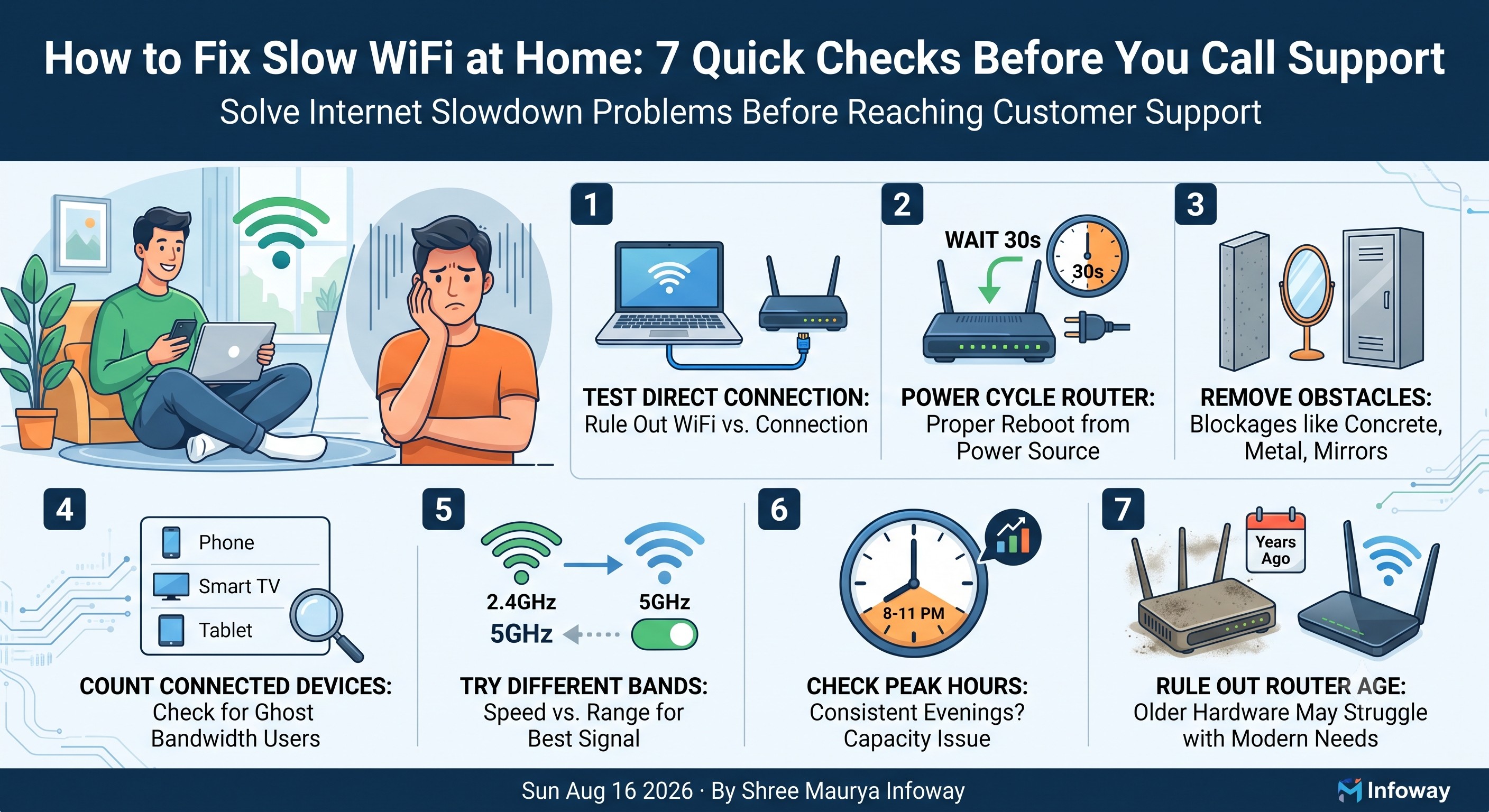
"My internet is slow" almost always means "my WiFi in this one room is slow" — and that's usually fixable in a few minutes. Here's the order we'd check it in ourselves.
1. Test on a device connected directly to the router
This immediately tells you if it's a WiFi problem or an actual connection problem — two very different fixes.
2. Restart the router (properly)
Power it off, wait a full 30 seconds, then power back on. A quick reboot from an app often isn't the same thing.
3. Check what's between you and the router
Concrete walls, mirrors, and metal cupboards block WiFi signal far more than most people expect. Sometimes moving 2 metres makes a bigger difference than any setting.
4. Count how many devices are actually connected
Old phones, smart TVs and forgotten devices quietly stay connected and use bandwidth in the background. Check your router's connected-devices list.
5. Try the other WiFi band
Most modern routers broadcast two bands. The 5GHz band is faster up close; the 2.4GHz band reaches further through walls. Switching can solve "slow in the bedroom" complaints instantly.
6. Check the time of day
If it's specifically slow every evening between 8–11 PM, that's a capacity pattern worth mentioning to your provider — not a one-off glitch.
7. Rule out the router's age
A router bought years ago may simply not be built for today's number of connected devices, regardless of how fast your plan is.
Been through all seven and still stuck? That's exactly when it's worth calling us — we can tell you within minutes if it's a local WiFi issue or something on our end.
Keep a simple checklist for next time
Slow WiFi rarely has one single cause, which is exactly why working through checks in order matters more than guessing. Bookmark this list: direct-connection test, proper reboot, walls and obstructions, connected-device count, band switch, time-of-day pattern, and router age. Running through it takes a few minutes and solves the majority of "my internet is slow" complaints without ever needing a technician visit.