A laggy video call rarely means your laptop is slow. Nine times out of ten, it's the internet setup around it — and most of that is fixable without buying anything new.
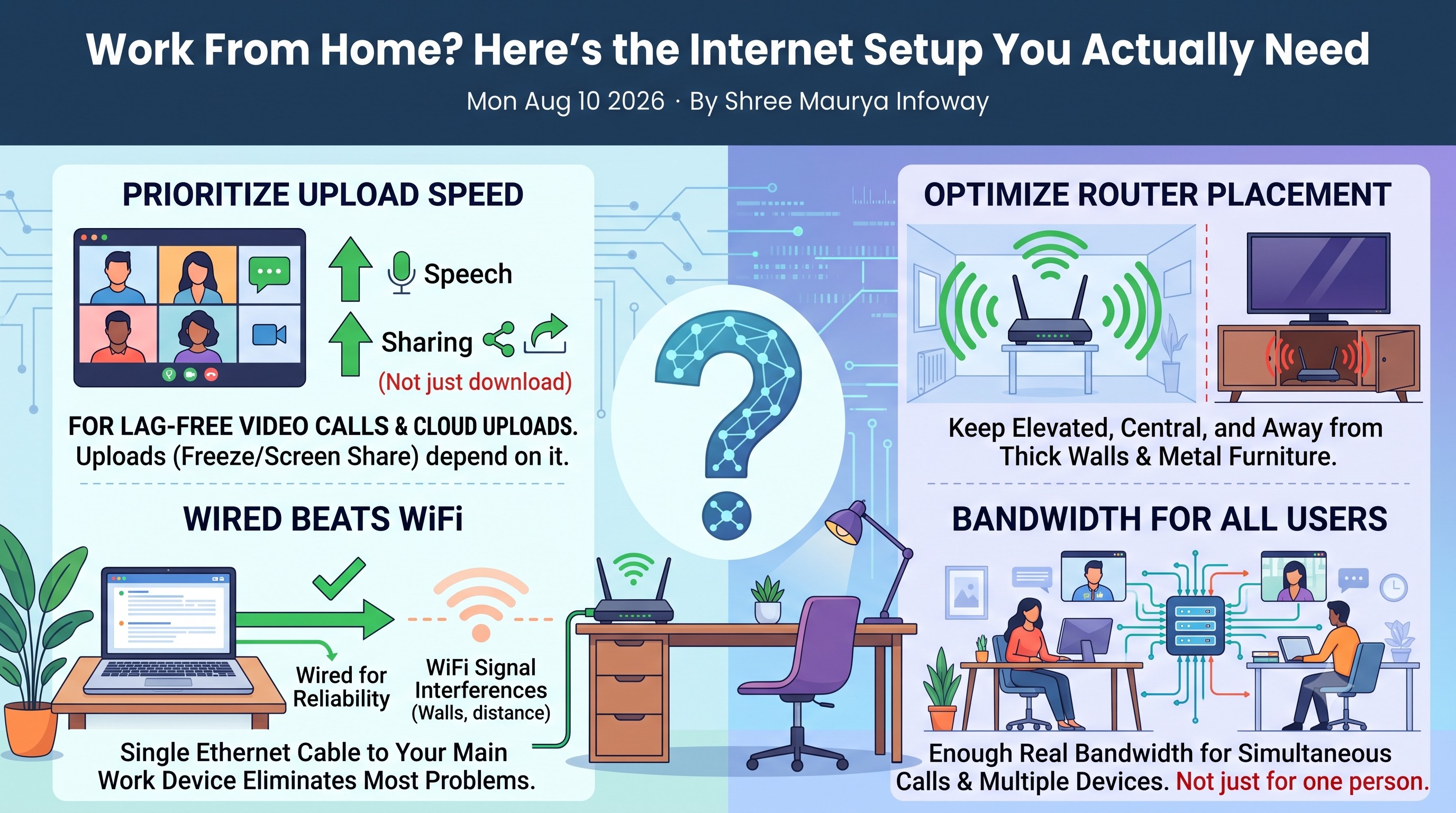
Upload speed matters more than you think
Every plan advertises its download speed loudly, but video calls, screen sharing and cloud uploads all depend on upload speed. If calls freeze specifically when you talk (not when others do), your upload is the bottleneck.
Wired beats WiFi for your main work device
WiFi is convenient, but a wall, a microwave, or just distance from the router can quietly cut your real speed in half. If your desk is anywhere near your router, a single ethernet cable to your laptop removes an entire category of problems.
Router placement fixes more than people expect
Routers tucked inside a cabinet or behind a TV lose signal fast. Keep it elevated, central to the home, and away from thick walls or metal furniture wherever possible.
One connection, multiple people working
If two people in the same home are on video calls at once, you need enough real bandwidth for both — not just enough for one person's calls plus "a bit extra." This is the single most common reason WFH households outgrow their original plan.
Not sure what speed your household actually needs? Our team can recommend a plan based on how many people are working from home, not just a generic number.
Don't forget basic connection security
A fast connection with a weak WiFi password is still a risk, especially once you're handling office logins and client files from home. Use a strong, unique WiFi password (not the default printed on the router), keep your router's firmware updated, and use your company VPN whenever you're accessing internal systems — a VPN's encryption does add a small amount of overhead, so this is one more reason a genuinely fast, stable connection matters for WFH specifically.